5 min read By Erwan Goossens
Website redesign: when and how to do it without losing your SEO
A slow or outdated website costs you customers, but a poorly prepared redesign can make your traffic drop. The tell-tale signs, and the method to redesign your site safely.
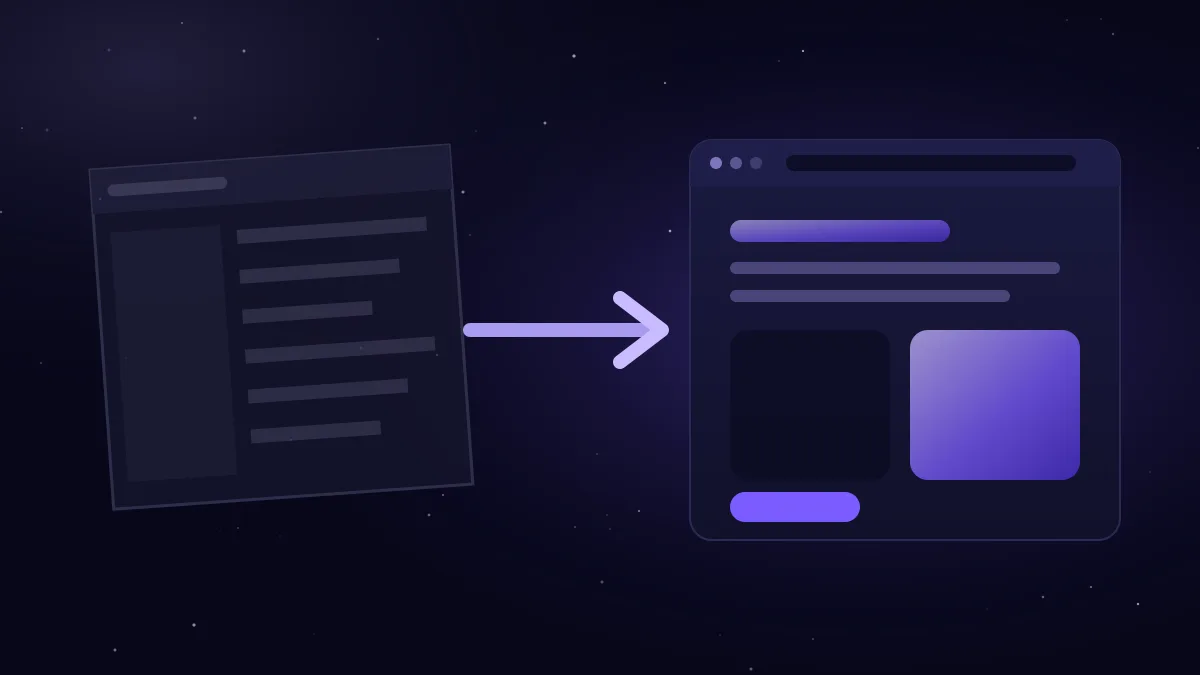
A website redesign is worthwhile when your site is slow, poorly suited to mobile, hard to update or no longer generates enquiries. To succeed without losing your search rankings, the golden rule is simple: take an inventory of existing pages, keep or 301-redirect every address that receives visits, carry over the content that works, test before going live, then monitor the website in Google Search Console.
When should you redesign your website?
The tell-tale signs:
- It is slow, especially on smartphones.
- It looks bad on mobile: text too small, buttons hard to tap, awkward menus.
- It looks outdated next to your competitors and no longer reflects the quality of your work.
- You cannot update it easily, or every change is expensive.
- It no longer generates enquiries, even though visitors arrive.
- It runs on obsolete technology or plug-ins that are no longer updated, with security risks.
- Your business has changed: new services, new target audience, new image.
Full redesign or simple improvement?
A redesign is not always necessary. If your website is recent and well built, a few targeted improvements (speed, texts, calls to action) may be enough. A full redesign is needed when the problems come from the foundation itself: the technology, the structure or the design.
Questions to ask before you start
A successful redesign starts with clear goals. Before talking about design, take the time to answer a few questions:
- What should the new website achieve? More quote requests, online bookings, fewer calls about recurring questions, a more upmarket image…
- Which pages work today? Those that attract visitors from Google or generate enquiries must be kept and improved first.
- What content needs updating? Services, prices, photos of your work, team, opening hours.
- What features are missing? A quote form, appointment booking, a Dutch version, a shop…
- Who will update the website afterwards, and how often?
- What budget and timeline? If possible, avoid going live during your busiest period.
These answers guide every choice that follows: structure, content, design and features.
Why a redesign can cost you rankings
Google has got to know your website: its addresses, its content, the links pointing to it. A poorly prepared redesign breaks these landmarks:
- addresses (URLs) that change without redirects: old pages return a 404 error, and the links pointing to them lose their value;
- content removed even though it answered searches and attracted visitors;
- titles and descriptions lost during the migration;
- an internal link structure changed without thinking about it;
- a technical error: a site left on “noindex”, a robots.txt file that blocks everything, a degraded mobile version.
The method in 7 steps
1. Take an inventory
List all the pages of your current website. In Google Search Console, identify those that receive clicks and impressions, and note the pages that other websites link to. These are your most valuable pages.
2. Define the new structure
Keep the addresses that work whenever possible. If an address has to change, write it down: every change will need a redirect.
3. Prepare the 301 redirect plan
Match each old address to the new page closest in content, with a permanent (301) redirect. Avoid redirect chains (A to B, then B to C) and do not redirect everything to the home page: Google often treats such redirects as pages that cannot be found.
4. Carry over and improve the content
Keep the texts that work and improve them: clearer answers to customers’ questions, a unique title and description for each page, well-structured headings, optimised images with alternative text.
5. Build and test separately
The new website is prepared on a test address, protected and excluded from search engines. Check the mobile display, speed, forms, links and redirects there.
6. Go live with a checklist
On the day: remove the “noindex” from the test version, check the robots.txt file, enable the redirects, test the important old addresses, submit the new sitemap (sitemap.xml) in Google Search Console and check that form messages arrive properly.
7. Monitor the following weeks
Keep an eye on indexed pages, 404 errors and the trend in clicks in Search Console. Quickly fix any forgotten old address. Ranking fluctuations may appear for a few weeks, while Google explores the new website.
Mistakes to avoid
- Changing domain name at the same time without a compelling reason.
- Deleting pages that attract traffic because you no longer like them.
- Going live just before a weekend or holiday, with no way to react if something goes wrong.
- Forgetting to update your Google Business Profile and analytics tools.
- Changing everything at once without knowing what worked before.
What if you have to change domain name?
It is possible, but more delicate. Every page of the old domain has to be redirected to its equivalent on the new one, the redirects kept in place for the long term, and the change reported to Google with the “Change of address” tool in Search Console.
How much does a redesign cost?
At Novexa Digital, a website redesign starts at €890 excl. VAT and takes 2 to 4 weeks on average, depending on the size of the website. It includes a modernised design, a fast, responsive website, migrated and improved content, and preserved search rankings thanks to redirects. To put this budget into context, also read how much a website costs in Belgium.
Frequently asked questions
How long does it take to recover your rankings after a redesign?
With a well-prepared redesign, fluctuations generally remain limited and temporary. The time it takes depends on the size of the website and how often Google crawls it. Nobody can guarantee a precise outcome, but monitoring in Search Console lets you fix problems quickly.
What happens to the pages I no longer want to keep?
Redirect them with a 301 to the page closest in content. If there is no equivalent, let them return a 404 (or 410) error rather than redirecting everything to the home page.
Does my website stay online during the redesign?
Yes: the new website is prepared in parallel, then replaces the old one on the day it goes live.
In short
A successful redesign modernises your website without sacrificing what it has built: inventory, 301 redirects, carried-over and improved content, testing, then monitoring. Thinking of redesigning your website? Book a meeting for a free initial conversation: we will look at your current website before sending you a quotation. And to keep your website fast afterwards, read why your website’s speed affects your sales.